MicroStrategy Certify Dossier
05 May 2021
Dificulty ★☆☆☆☆
Why do it?
Certified items have typically been reviewed by trusted members of your organization and are considered official sources of content, based on reliable data. You can Certify Dossier on Web or on Workstation.
MicroStrategy Web
-
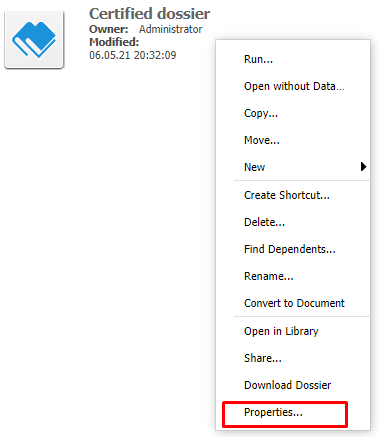
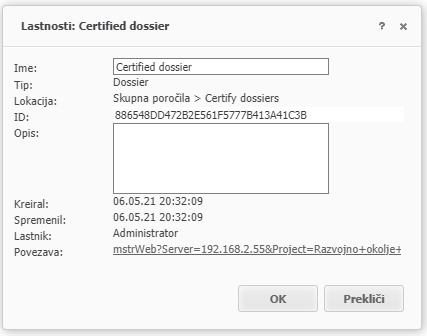
In MicroStrategy Web, right-click on a dossier and select Properties.
-
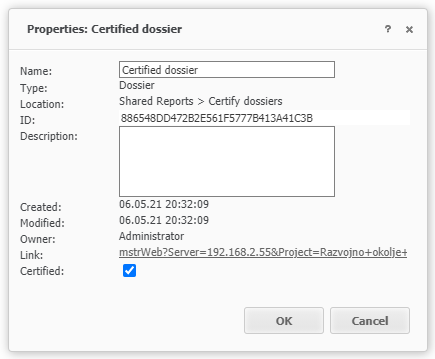
Check the Certified option and click Ok.
-
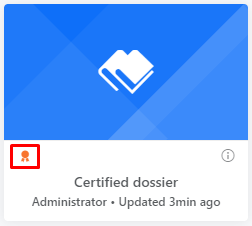
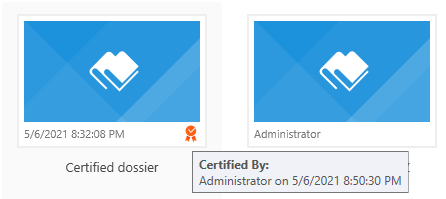
Navigate to MicroStrategy Library and users will see the orange certified flag displayed for the dossier.
Workstation
- Open the Workstation
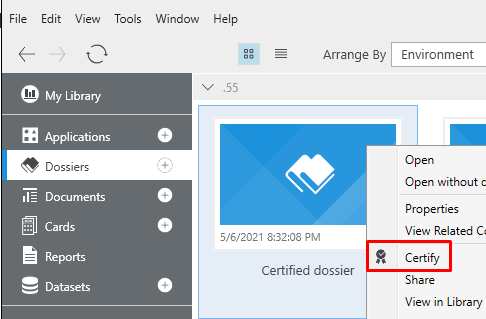
- In the Navigation pane, click Dossiers
- Right-click the dossier you want to certify.
- Click Certify.
You can also check who certified it and when.
If you can’t.
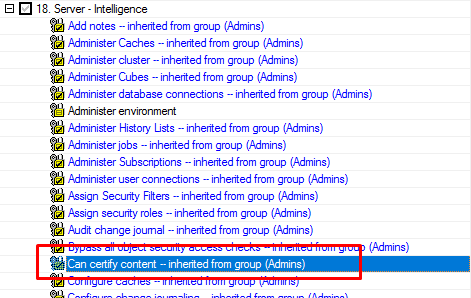
Check if you have permission for ‘Can certify content’